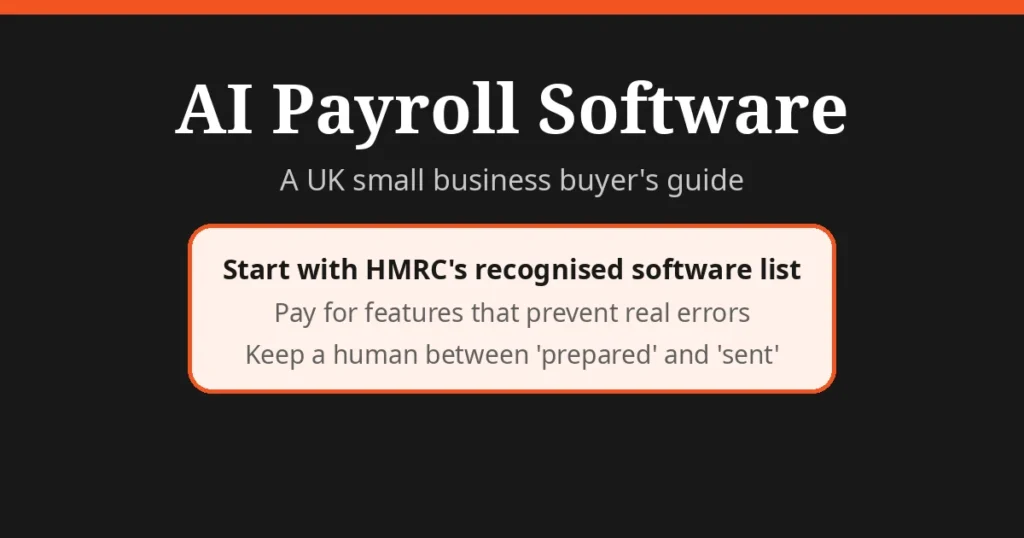
Direct answer: Most “artificial intelligence payroll software” is ordinary payroll software with a few genuinely useful AI features — anomaly detection, timesheet reading and automatic statutory-pay calculations — wrapped in a lot of marketing. For a UK small business, the buying decision should start with one boring check: is it on HMRC’s recognised software list? Then judge the AI features on whether they prevent real errors, not on how impressive the demo looks.
What to check first: HMRC recognition
Before you look at a single AI feature, open gov.uk and check the vendor is on HMRC’s list of recognised payroll software. Recognition means the software can report PAYE and Real Time Information (RTI) to HMRC online — the non-negotiable core of UK payroll. A tool with dazzling AI that can’t file your FPS correctly is a liability with a nice interface.
Two things worth knowing about that list:
- HMRC does not recommend products. Their guidance says so explicitly: they can’t recommend one product over another and aren’t responsible for problems with software you buy. Any vendor claiming to be “HMRC approved” or “HMRC recommended” is stretching the truth — check the actual list.
- Free recognised options exist. HMRC’s own Basic PAYE Tools is free for employers with fewer than 10 employees. Several commercial vendors also offer free tiers for micro-teams (typically up to 3–10 employees), listed on the same page.
Start from the list, then shortlist. Not the other way round.
The AI features that actually matter
| Feature | What it really does | Worth paying for? |
|---|---|---|
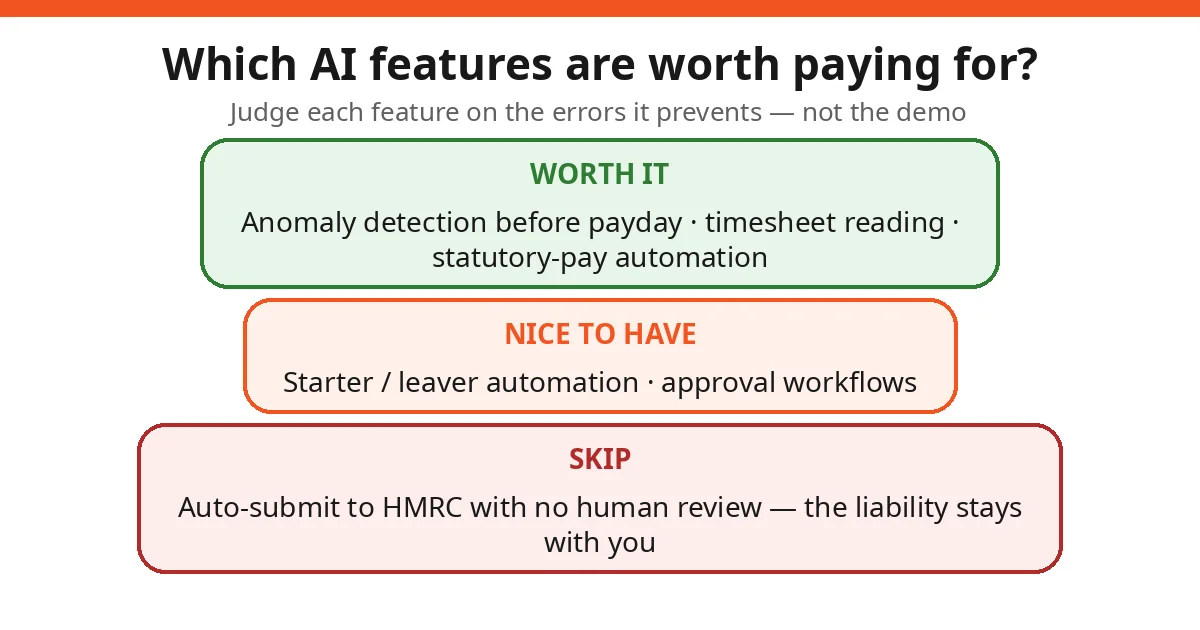
| Anomaly detection | Flags pay figures that deviate from your history before payday | Yes — this is the one that prevents fines and embarrassment |
| Timesheet/expense reading | Extracts hours and amounts from spreadsheets or photos | Yes, if you have hourly or shift staff |
| Statutory pay automation | Calculates SSP, SMP and holiday pay with qualifying rules | Yes — the rules are fiddly and change |
| Starter/leaver automation | Generates P45s, applies tax codes, handles new-starter checklists | Nice to have at small scale; valuable from ~15 staff |
| AI chatbot support | Answers “how do I…” questions inside the app | Marginal — it’s a help centre with a search box |
| Predictive “insights” dashboards | Charts your payroll data back at you | Rarely — ask what decision it changes before paying extra |
| Auto RTI submission | Files your FPS to HMRC without review | No — you must stay in the loop; the legal liability is yours |
That last row matters most. Some vendors demo “fully automated payroll” where the submission goes straight to HMRC. Under RTI rules, a late or wrong FPS brings penalties of £100–£400 per month depending on headcount — charged to you, not the vendor. Keep a human review step between “prepared” and “sent”, always. Our walkthrough of AI in payroll covers the workflow side of this in more detail.
Free vs paid: where the line sits for small teams
For a business with a handful of employees on straightforward monthly salaries, the free tier of recognised software — or HMRC’s own Basic PAYE Tools — is often enough. The paid jump becomes worth it when one of these is true:
- You run weekly or irregular payroll. More pay runs mean more chances for error; anomaly detection earns its keep fast.
- You have shift or hourly workers. Timesheet reading and overtime calculation stop being nice-to-haves.
- You’re growing past 10–15 people. Starter/leaver automation, approval workflows and proper reporting start to matter.
- You integrate with accounting. If your bookkeeper or accountant works in Xero, QuickBooks or Sage, payroll software that syncs cleanly saves real hours. (Our AI bookkeeping guide covers that side of the stack.)
Price-wise, expect free tiers up to a headcount limit, then per-employee-per-month pricing that scales with features. Get the quote in writing with the headcount it covers — “from £X per month” usually means the smallest possible configuration.
Questions to ask before you sign
Vendors demo the happy path. Ask about the rest:
1. “Show me the anomaly detection catching a real error.” Not a slide — a live example. If they can’t, the feature may be thinner than claimed.
2. “What happens when HMRC changes the rules?” Tax years turn over every April. How fast do they update, and do updates cost extra?
3. “Where is my data stored, and is it used to train your AI?” Payroll data is salary, bank and National Insurance data. Get the hosting location, the model-training answer and a data processing agreement in the contract.
4. “What does leaving look like?” Can you export your full payroll history in a usable format? Vendors that make exit hard are telling you something.
5. “Who do I call when the FPS fails on payday morning?” Support quality matters more in payroll than in almost any other software category, because the deadline is the deadline.
6. “Does it handle auto-enrolment pensions end to end?” Calculations, provider integration, re-enrolment, opt-outs. Get specifics, not a tick box.
Honest limits
A buyer’s guide should say what the brochures won’t:
1. No software absorbs your legal liability. However good the AI, HMRC’s penalties for late or wrong filings land on the employer. Read that twice before enabling any “auto-submit” feature.
2. AI features are only as good as your data. Clean timesheets and correct employee records in; reliable pay runs out. Vendors won’t tell you that their best demo used pristine data.
3. Switching has a hidden cost. Migrating payroll mid-year means year-to-date figures, P11D implications and a parallel run to verify. Budget a month of overlap, and warn your accountant before you start.
4. “AI-powered” is not a quality mark. There is no certification behind the label. Judge features individually against the table above, not the badge on the homepage.
5. The cheapest compliant option beats the flashiest unproven one. A free HMRC-recognised tool that files correctly is worth more than an AI-laden platform with shaky RTI handling.
Buy the software that files correctly first and delights second. In payroll, boring and accurate wins every time.
FAQs
What is artificial intelligence payroll software?
Payroll software that uses machine learning for tasks like anomaly detection (flagging suspicious pay figures), auto-reading timesheets, calculating statutory pay, and preparing HMRC Real Time Information submissions. The AI sits inside ordinary payroll software — it is a feature set, not a separate product category.
How do I know if payroll software is legitimate in the UK?
Check HMRC’s official list of recognised payroll software on gov.uk. Recognition means the software can report PAYE and Real Time Information to HMRC online. HMRC does not recommend individual products, so treat any “HMRC approved” marketing claim carefully and verify it on the list.
Is there free AI payroll software for small UK businesses?
HMRC’s own Basic PAYE Tools is free for employers with fewer than 10 employees, though it is basic (it can’t produce payslips, for example). Several commercial vendors offer free tiers for very small teams — typically up to 3–10 employees — with paid plans adding AI features, integrations and support.
Which AI features in payroll software are actually worth paying for?
Anomaly detection before payday is the one feature that pays for itself — it catches the errors that become HMRC penalties or angry employees. Automatic statutory pay calculation and timesheet reading are next. Be sceptical of AI “insights dashboards” that just repackage data you could already see.
Can AI payroll software handle auto-enrolment pensions?
Most established UK payroll software — AI-featured or not — handles workplace pension auto-enrolment calculations and can integrate with pension providers. Confirm this specifically with any vendor, along with how they handle re-enrolment and opt-outs, because getting it wrong brings The Pensions Regulator into your life.
What happens to my data when I switch to AI payroll software?
You hand a vendor your employees’ salaries, bank details and National Insurance numbers, so ask: where is data hosted, is it used to train AI models, what is the breach notification process, and will they sign a data processing agreement? Answers should be in the contract, not just on a marketing page.