AI Bookkeeping for UK Small Businesses: What to Use in 2026
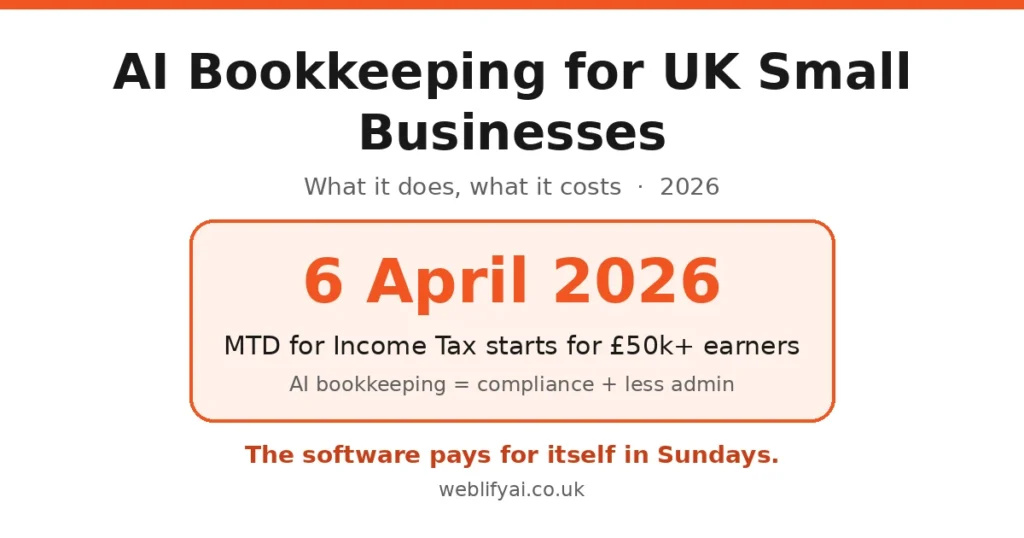
Direct answer: AI bookkeeping software connects to your bank, categorises transactions automatically, captures receipts from your phone and keeps HMRC-compliant digital records. With Making Tax Digital for Income Tax starting 6 April 2026 for anyone earning over £50,000, choosing MTD-compatible software is no longer optional for most sole traders. Entry-level plans cost £9–£16 a month — a fraction of manual bookkeeping.
What “AI bookkeeping” actually means
Strip away the marketing and it’s four jobs done by software instead of by you at midnight:
- Bank feeds + auto-categorisation. Your transactions import daily; the software learns your categories (materials, fuel, subscriptions) and applies them. QuickBooks and Xero both use AI-assisted categorisation that improves as it sees more of your data.
- Receipt capture. Photograph a receipt and AI extracts the supplier, amount, VAT and date — tools like Dext exist purely for this and layer on top of Xero, QuickBooks or Sage.
- Reconciliation. The software matches bank transactions to invoices and bills, flagging duplicates and anomalies before they become problems.
- MTD submissions. VAT returns — and from April 2026, quarterly Income Tax updates — go straight to HMRC from inside the platform, with automated error checks beforehand.
The honest version: it’s excellent admin automation, not a robot accountant. You still review, still decide, still need a human for anything weird.
Making Tax Digital: the 2026 deadlines that force the issue
MTD for Income Tax Self Assessment (MTD for ITSA) changes the rules for sole traders and landlords:
- 6 April 2026 — mandatory if your qualifying income is over £50,000
- April 2027 — threshold drops to £30,000
- April 2028 — threshold drops to £20,000
From your start date you must keep digital records (spreadsheets alone no longer count), use MTD-compatible software, and send quarterly updates to HMRC — on top of the annual Self Assessment return. This is the single biggest reason to move onto proper software now: the AI features come free with the compliance you need anyway.
The main options compared
| Tool | From | Best for | MTD | AI strengths |
|---|---|---|---|---|
| Xero | ~£15/mo | Growing small businesses | Yes | Bank feeds, auto-categorisation, clean interface |
| QuickBooks | ~£10/mo (sole trader) | Tax-focused sole traders | Yes | AI-assisted categorisation, cash-flow prediction, CIS support |
| Sage | ~£15/mo | Simplicity seekers | Yes | Sage Copilot AI assistant, AI receipt capture (Standard+) |
| FreeAgent | Bundled free with some bank accounts | Freelancers, micro-businesses | Yes | Lightweight automation, simple UI |
| Coconut | £9/mo | Mobile-first freelancers | Yes | Real-time tax estimates, phone-first design |
| Dext (add-on) | Add-on pricing | Anyone drowning in receipts | Via your platform | AI receipt/invoice data extraction |
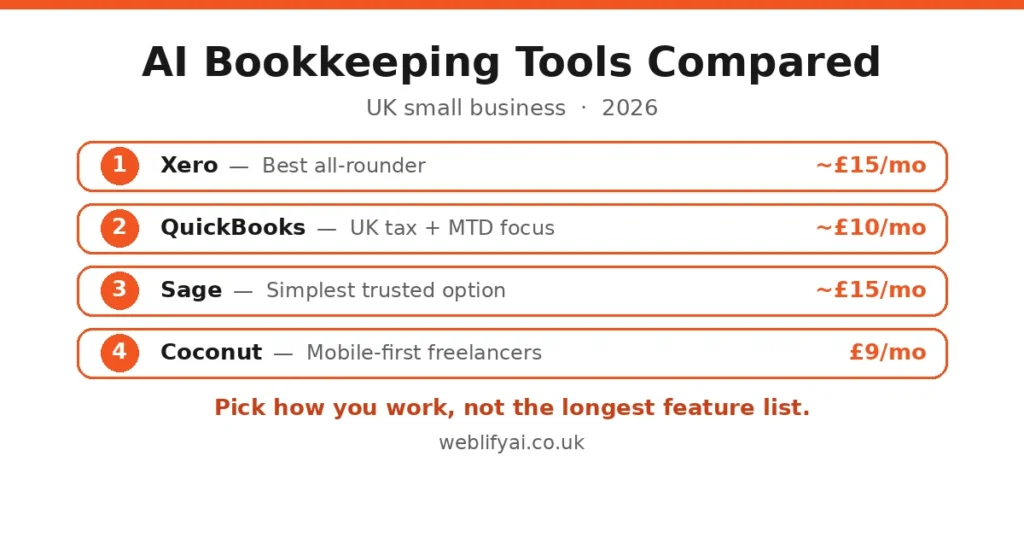
Prices are starting tiers and change with offers — Xero, Sage and QuickBooks all run heavy introductory discounts (often 90% off for six months). Check the current price before you commit, and confirm MTD-for-ITSA support specifically, not just MTD for VAT.
What it costs vs the old way
A part-time in-house bookkeeper costs £1,800+ a month; outsourced bookkeeping typically runs a few hundred. AI bookkeeping software sits at £9–£16 a month plus maybe an hour of your time a week reviewing categorisations. Most small firms report cutting finance admin time by 60–80% once the bank feed is trained — the saving isn’t just money, it’s the Sunday evenings back.
The catch: the software is only as good as your setup. Connect every business account, photograph every receipt the same week, and review the auto-categories for the first month. Bad inputs still produce bad books — AI just produces them faster.
Getting started: a practical checklist
- Check your MTD start date. Over £50,000 qualifying income? You’re in from 6 April 2026. Under it, you have breathing room — but the thresholds keep falling.
- Pick one platform from the table above based on how you work (phone vs desktop, simplicity vs features).
- Connect your bank feeds on day one and backfill at least three months so the AI learns your patterns.
- Install the mobile app and photograph receipts as they happen — the habit matters more than the tool.
- Run it alongside your accountant for one quarter before trusting it fully. Ask them to review the categorisation rules.
- Turn on MTD submissions in the software and do a test run before your first real deadline.
Honest limits / what to watch
- AI miscategorises edge cases. A mixed personal/business purchase, a one-off contractor payment, anything in a foreign currency — review these manually, especially in month one.
- It won’t do your tax planning. Allowances, reliefs, dividends vs salary, capital expenditure timing — that’s still accountant territory.
- Receipt capture needs decent photos. Crumpled thermal receipts in bad light defeat even good AI. Flatten, light, snap.
- Switching platforms later is painful. Years of categorisation history don’t transfer cleanly. Choose as if you’ll stay five years.
- Don’t ignore the quarterly rhythm. MTD for ITSA means four updates a year, not one January panic. Set calendar reminders or the software’s alerts.
FAQs
What does AI bookkeeping software actually do?
It connects to your bank, automatically categorises transactions, captures receipts from photos, reconciles accounts and flags errors or duplicates. Modern tools like Xero, QuickBooks and Sage use machine learning so categorisation gets more accurate the longer you use them.
Is AI bookkeeping software compliant with Making Tax Digital?
Yes — provided you choose HMRC-recognised software. Xero, QuickBooks, Sage, FreeAgent and others are all MTD-compatible and support digital record-keeping plus direct submission of VAT returns and, from April 2026, quarterly updates under MTD for Income Tax Self Assessment.
When does Making Tax Digital for Income Tax start?
From 6 April 2026 for sole traders and landlords with qualifying income over £50,000. The threshold drops to £30,000 in April 2027 and £20,000 in April 2028. You’ll need MTD-compatible software to keep digital records and send quarterly updates to HMRC.
How much does AI bookkeeping software cost in the UK?
Entry plans run roughly £9–£16 a month (Coconut £9, Xero and Sage around £15, QuickBooks from £10 for sole traders). Receipt-capture add-ons like Dext sit on top. That compares with £1,800+ a month for part-time in-house bookkeeping staff.
Will AI bookkeeping replace my accountant?
For most small businesses, no — it replaces the data-entry grind, not the judgement. Your accountant still handles year-end accounts, tax planning and anything unusual. Many firms now expect clients on cloud software because it makes their own work faster and cheaper.
Which AI bookkeeping tool is best for a sole trader?
Coconut (£9/month) suits mobile-first freelancers; QuickBooks is strong on UK tax compliance and MTD features; Xero is the best all-rounder for growing businesses; Sage is the simplest trusted option. Pick based on how you work, not the feature list.
If the books are sorted, the next admin drain is usually invoicing — our guide to automating invoicing with AI covers that. And since bookkeeping means handing financial data to software, read our GDPR and AI guide for UK small businesses before you connect your bank feed.
Sources: McDonald Bookkeeping on MTD-compatible software, QuickBooks MTD review via ADVFN/Consumer365, AdvertiserReview UK accounting software pricing 2026.