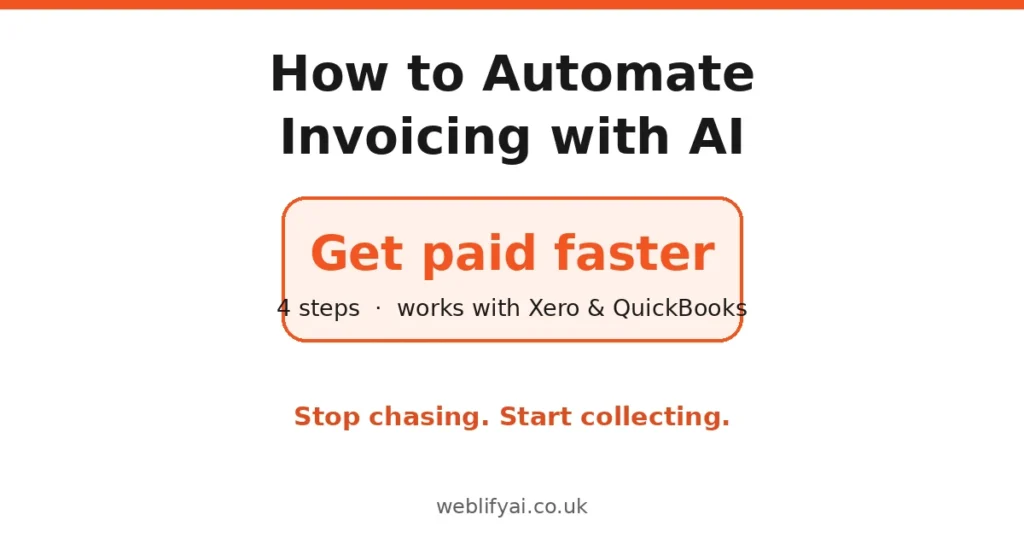
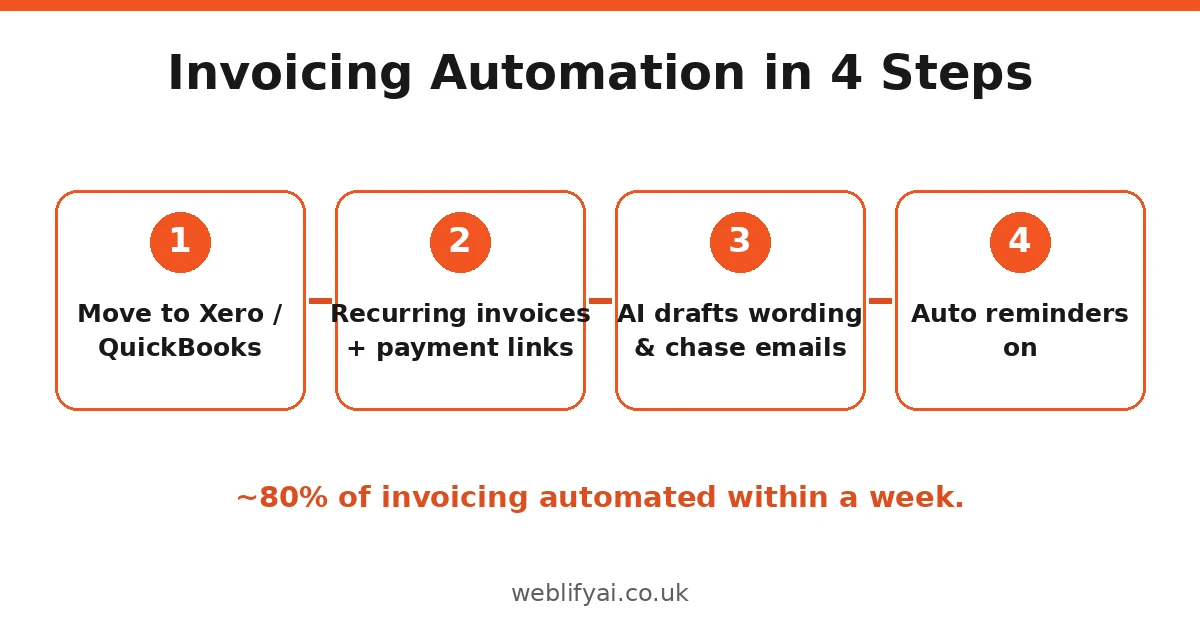
Direct answer: Automate invoicing in four steps: (1) move from Word/Excel to Xero or QuickBooks, (2) set up recurring invoices with payment links, (3) use AI to draft invoice wording and payment-chase emails, (4) switch on automatic reminders. You can automate roughly 80% of invoicing within a week, whatever your starting point. Keep one human approval step before money moves, verify VAT details yourself, and mind UK GDPR when pasting client data into AI tools. Full walkthrough below.
Late payment is the quiet killer of UK small businesses — billions owed, cash flow strangled, owners spending Fridays chasing money instead of earning it. And from April 2026, Making Tax Digital for Income Tax pulls sole traders earning over £50,000 into digital record-keeping anyway. If you’re still invoicing from a Word template, this is the year to fix it.
Step 1: Get Off Word and Excel (or Tame Them)
Be honest about where you are:
- Still on Word/Excel? You’re not alone — but every invoice is manual typing, manual maths, manual chasing. AI can at least generate you a proper template: ask it for “a UK invoice template in Excel with formulas for subtotal, 20% VAT and total, plus a client details sheet.” Use it as a bridge, not a destination.
- On Xero or QuickBooks already? You’re 70% of the way there — most owners use a fraction of the automation they’ve already paid for. Steps 2–4 unlock it.
How to automate invoicing in Excel is a common search for a reason: it’s the cheapest first step. But Excel can’t send reminders, take card payments, or keep you Making Tax Digital compliant. Treat it as the waiting room.
Step 2: Set Up Recurring Invoices and Payment Links
This single step eliminates the most boring work. In both Xero and QuickBooks:
- Repeating templates — for every regular client, create a repeating invoice (weekly, monthly, whatever the rhythm). Set it to draft (not auto-send) until you trust it.
- Online payment links — connect Stripe or GoCardless. An invoice with a “Pay now” button gets paid measurably faster than one asking for a bank transfer. This is the highest-ROI five minutes in this whole guide.
- Default payment terms — set 14 days, not 30, unless your industry demands otherwise. Shorter terms, set as the default, quietly pull cash in faster.
Cost reality: Xero starts around £16/month, QuickBooks around £14/month for sole traders. One invoice paid two weeks earlier covers months of subscription.
Step 3: Let AI Draft the Words
Here’s where AI earns its place — not in the numbers (never trust it with maths unchecked), but in the wording:
Invoice descriptions. Instead of “work done — £750”, try:
Turn this into a professional invoice line description: ‘Fixed the boiler, replaced the pump, 2 visits, parts £180, labour 6 hours at £65/hr.’ Include the dates 12–13 October 2026.
Payment-chase emails. The awkward part, automated politely:
Write a friendly first payment reminder email for an invoice of £840 issued 21 days ago to a good long-term client. Firm but warm. Mention the invoice number [X] and the payment link. Under 100 words.
Sequence them: friendly nudge at 7 days overdue, firmer at 14, final notice at 30. AI drafts all three in two minutes; you approve and send. For chasing over chat instead of email, our WhatsApp automation for small business guide covers automated WhatsApp reminders.
Quote-to-invoice. Describe the job in plain words; AI turns it into itemised lines. You check the numbers. This alone saves tradespeople an hour a week.
Step 4: Switch On Automatic Reminders
Both platforms do this natively — most owners just never enable it:
- Xero: Settings → Invoice Reminders → create a schedule (e.g. 7 days before due, on due date, 7/14/21 days after). Attach your AI-drafted email templates.
- QuickBooks: Settings → Reminders → automatic invoice reminders, same schedule logic.
Then the golden rule: keep a human approval step. Auto-reminders yes; auto-sending new invoices to new clients, no — not until the template has proven itself for a month. One wrong invoice to the wrong client costs more trust than automation ever saves.
The UK Compliance Bits (Don’t Skip)
VAT. If you’re VAT-registered, your invoices must show your VAT number, the VAT rate per line, and the total VAT. AI invoice generators sometimes format this wrong for UK rules — check the first five invoices from any new tool against HMRC’s requirements.
Making Tax Digital. From April 2026, MTD for Income Tax requires digital records and quarterly updates for sole traders/landlords over £50,000 income. Xero and QuickBooks are compliant; a spreadsheet alone is not. Automating invoicing now means compliance later with zero extra effort.
GDPR. Client names, emails and payment details are personal data. Don’t paste them into public AI chatbots for drafting — use your accounting software’s built-in AI, or anonymise (“Client A, £840, 21 days overdue”) before using an external tool.
What This Looks Like in Practice
| Before (manual) | After (automated) |
|---|---|
| Type each invoice in Word (~20 min) | Repeating template generates draft (~2 min review) |
| Email PDF, hope they pay | Payment link on every invoice |
| Notice non-payment weeks later | Auto-reminder at 7/14/21 days |
| Dread writing chase emails | AI-drafted, you approve |
| Year-end paperwork scramble | Digital records, MTD-ready |
Realistic outcome for a typical tradesperson or freelancer: invoicing admin drops from ~4 hours a month to under one, and average payment time shortens by a week or more. That’s not hype — it’s what removing friction does.
The Honest Limits
- AI can’t do your judgement. A client in genuine difficulty needs a phone call, not a third automated reminder. Build in a pause: any invoice over £X or client flagged “sensitive” gets manual handling.
- Verify the numbers. AI is a language tool, not a calculator. Every amount, VAT treatment and client detail gets human eyes before sending.
- Garbage in, garbage out. Automation on top of messy client records just sends wrong invoices faster. Spend one afternoon cleaning your client list first.
FAQs
How can I automate invoicing for my small business?
In four steps: (1) move from Word/Excel to accounting software like Xero or QuickBooks, (2) set up recurring invoices and payment links, (3) use AI to draft invoice wording and payment-chase emails, (4) turn on automatic payment reminders. Most businesses can automate 80% of invoicing within a week.
Can AI generate invoices?
Yes — AI invoice generators can create professional invoices from a plain description (‘invoice for 3 days’ plumbing work at £250/day plus £80 materials’). But always check the numbers, VAT treatment and client details yourself before sending. AI is a drafter, not an accountant.
How do I automate invoices in Xero?
In Xero: set up repeating invoice templates for regular clients, enable online payment links (Stripe/GoCardless), turn on invoice reminders under Settings, and use Hubdoc/Dext for receipt capture. AI features now help categorise and draft within the workflow.
How do I automate invoices in QuickBooks Online?
Use recurring transactions for repeat billing, enable payment links on invoices, schedule automatic reminders, and connect your bank feed for matching. QuickBooks’ AI categorisation improves as it learns your patterns.
How can I automate invoicing in Excel?
Build one clean invoice template with formulas for totals and VAT, keep a client list on a second sheet, and use AI to generate the template and reminder emails. It’s a stepping stone — plan to move to proper software before Making Tax Digital affects you.
Does Making Tax Digital affect my invoicing?
Making Tax Digital for Income Tax starts April 2026 for sole traders and landlords with income over £50,000 — you’ll need digital records and quarterly updates. Automated invoicing software keeps you compliant almost by accident. Check your income against the threshold now.
Is it safe to let AI handle my invoices?
With guardrails, yes. Keep a human approval step before any invoice goes out, verify VAT numbers and amounts, and be careful what client data you paste into public AI tools (UK GDPR applies). Automation handles the routine; you handle the money.