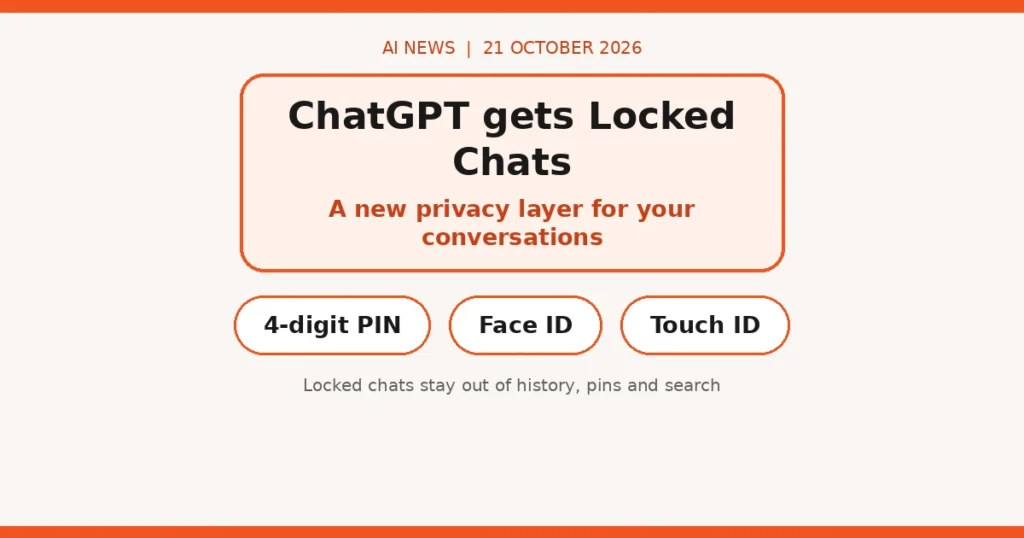
Direct answer: ChatGPT now lets you lock individual conversations behind a four-digit PIN, Face ID or Touch ID, tucking them into a separate “Locked Chats” section. It’s genuinely useful if colleagues or family glance at your screen — but don’t mistake it for encryption or privacy from OpenAI itself.
What happened
OpenAI announced on Tuesday that ChatGPT users can now lock conversations to keep them private when others have access to their screen or device. You secure locked chats with a four-digit PIN, or with Face ID or Touch ID on supported devices.
Once locked, a chat moves to a dedicated “Locked Chats” section — kept out of your regular chat history, pinned conversations and search results. There’s a neat detail for the privacy-conscious: with Memory enabled, Locked Chats gets its own separate memory shared across conversations in that section. New messages sent after locking won’t leak into your regular Memory.
OpenAI pitches it for everyday situations: discussing something personal, planning a surprise, handing your phone to a friend to show them something in another chat. The feature is rolling out across Free, Go, Plus, Pro, Business, Enterprise and Edu plans — though notably not ChatGPT for Healthcare — and may not be live for everyone yet.
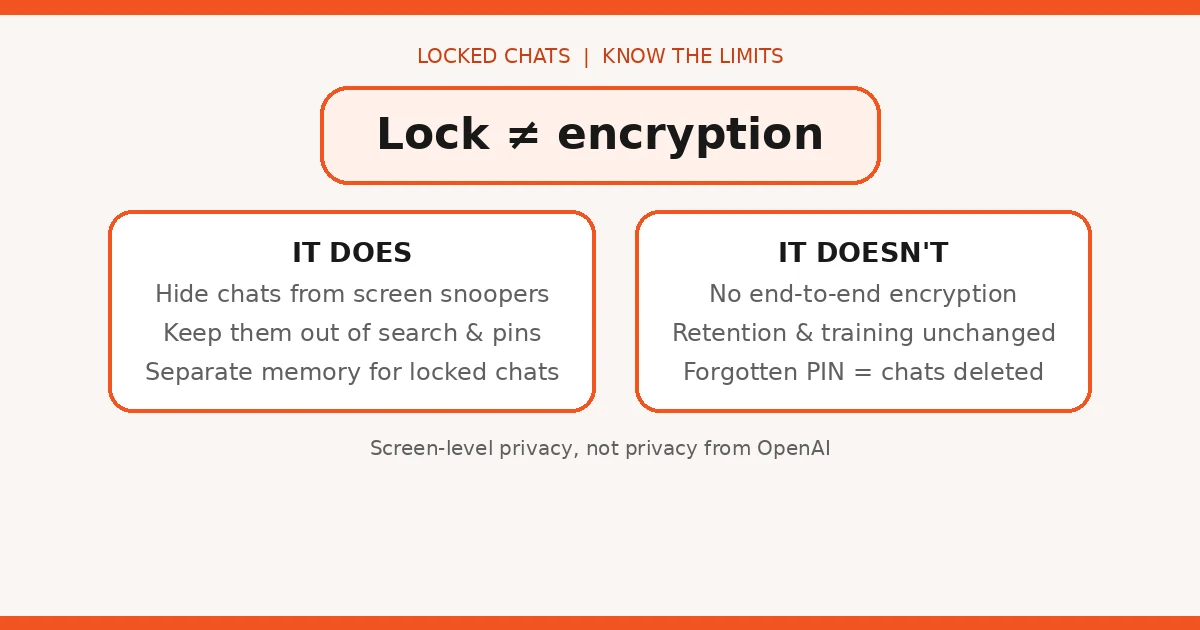
Now the important caveats, straight from OpenAI’s own documentation: locking a chat does not create end-to-end encryption or a separate encrypted vault. It doesn’t change how long the chat is retained, doesn’t remove anything ChatGPT already remembered before you locked it, and doesn’t touch the “Improve the model for everyone” setting. And if you reset your PIN, every locked chat protected by the old one is permanently deleted — no recovery.
Some chats can’t be locked at all: temporary chats, archived chats, group chats, chats created from shared links, chats with scheduled tasks, and chats with meeting recordings.
What it means for UK small businesses
This is a small feature with a real lesson inside it: screen-level privacy is not data privacy.
For teams sharing devices or screens: if staff use ChatGPT on a shared office machine or screen-share in meetings, locked chats are a genuine improvement. Client names, pricing discussions, draft proposals — the kind of thing that flashes up in a sidebar at the worst moment — can now sit behind a PIN. Turn it on for anything client-sensitive. Compare how the AI assistants stack up for business use.
For anyone handling client data: read the limits twice. A locked chat is still stored by OpenAI under its normal retention, and the training-data setting is unchanged. If your contracts promise client confidentiality, a PIN on a chat is not a compliance strategy — you need the Business or Enterprise tier’s data controls, proper data processing agreements, and a policy on what staff may paste into AI tools. Check whether ChatGPT is recommending your business — and what that means for your data.
For the forgetful: the PIN reset behaviour is brutal by design — forget the PIN, lose the chats. If you lock anything important, treat the PIN like a password: stored in a password manager, not on a sticky note.
Honest limits / what to watch
Let’s be clear about what this is: a modesty screen, not a safe. It stops the colleague looking over your shoulder. It does nothing about the company on the other end of the connection — OpenAI still has the data, still retains it per its policies, and may still use it for training depending on your settings. TechCrunch’s Aisha Malik made exactly this point: locking limits access, but doesn’t address how sensitive information is stored or handled.
There’s also a subtle trap in the separate-memory feature. It’s good that locked chats don’t leak into regular memory — but it means your AI now has two memories of you, and the locked one is only as secure as your PIN and your device.
And the rollout itself is worth watching: features like this sometimes arrive half-baked (locked chats excluded from search could confuse anyone trying to find an old client thread). Give it a week, let others find the bugs.
The honest summary: use it, it’s free and useful — but don’t let a padlock icon convince you that a chat with OpenAI is a private conversation. It isn’t.
FAQs
How do ChatGPT locked chats work?
You can lock any conversation and secure it with a four-digit PIN, or Face ID / Touch ID on supported devices. Locked chats move to a dedicated “Locked Chats” section, separate from your regular history, pins and search results.
Is a locked ChatGPT chat encrypted?
No. OpenAI says locking a chat does not create end-to-end encryption or a separate encrypted vault. It stops people with access to your screen or device from reading the chat — it doesn’t change how OpenAI stores or handles the data.
Does locking a chat change data retention or training settings?
No. Locking doesn’t change how long OpenAI retains the chat, doesn’t remove information ChatGPT already remembered, and doesn’t change your “Improve the model for everyone” setting.
What happens if I forget my locked chats PIN?
Resetting the PIN permanently deletes all locked chats, files and other content protected by the previous PIN. There’s no recovery — so don’t forget it.
Which chats can’t be locked?
Temporary chats, archived chats, group chats, chats created from a shared link, chats with scheduled tasks, and chats with meeting recordings can’t be locked.
Which plans get locked chats?
Free, Go, Plus, Pro, Business, Enterprise and Edu — but not ChatGPT for Healthcare. It’s rolling out now, so it may not be live for everyone yet.
Sources: TechCrunch (20 Oct 2026); OpenAI help documentation via TechCrunch.