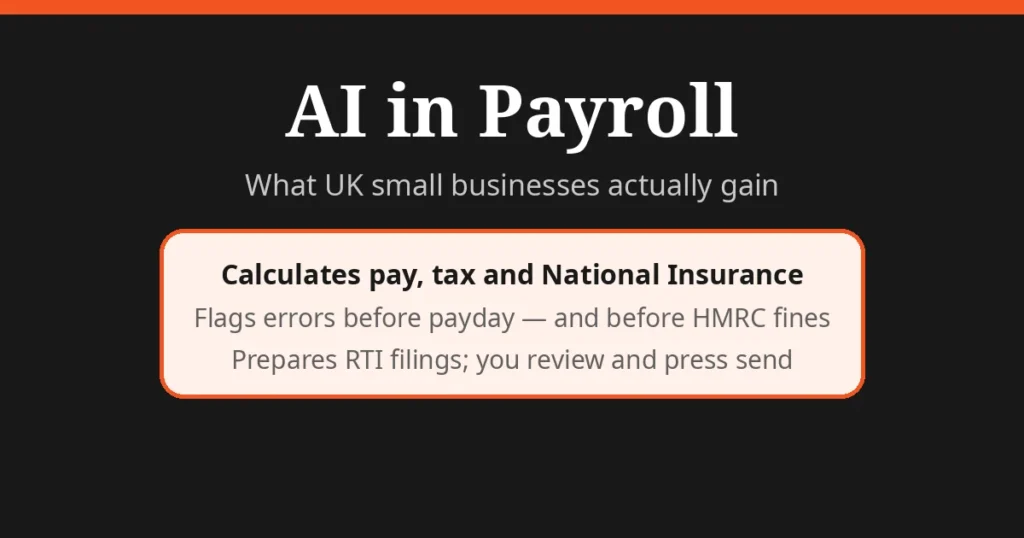
Direct answer: AI in payroll genuinely saves UK small businesses time on the repetitive parts — calculating pay, spotting errors, generating payslips and preparing HMRC submissions. But it cannot take the legal responsibility: under RTI rules you must file a Full Payment Submission on or before payday, and late-filing fines (£100 a month for firms with 1–9 employees) fall on you, not the software. Use AI to do the donkey work; keep a human in charge of the final “send”.
What “AI in payroll” actually means
Forget the marketing. In payroll, AI is a set of practical features sitting inside software you already know how to use:
- Anomaly detection. The software learns what your payroll normally looks like and flags anything odd — an overtime figure that’s suddenly triple the norm, a starter with no tax code, a leaver still on the run. This is the single most valuable feature: most payroll errors are caught this way before money moves.
- Auto-calculation of statutory pay. Statutory Sick Pay, maternity/paternity pay and holiday pay rules change and have fiddly qualifying conditions. The software applies them for you instead of you working through HMRC’s guidance PDFs.
- Data extraction. Timesheets, expenses and commission spreadsheets get read and mapped into the pay run automatically rather than re-keyed by hand.
- RTI submission preparation. The Full Payment Submission (FPS) for HMRC is assembled from your pay run data, ready for you to review and send.
None of this is science fiction. It is pattern matching and rule application — boring, in the best possible way.
Where it saves a small business the most time
| Payroll task | What AI does for you | What a human still must do |
|---|---|---|
| Gathering hours and timesheets | Reads spreadsheets and clock-in data, flags gaps | Approve the final figures; chase late submissions |
| Calculating gross-to-net | Applies PAYE, National Insurance, pension deductions | Check first run of the tax year; confirm tax code changes |
| Statutory pay (SSP, SMP, etc.) | Works out qualifying days and rates | Confirm the employee’s circumstances are correct |
| Spotting mistakes | Flags outliers against your payroll history | Investigate and correct anything flagged |
| Payslips and P60s | Generates and distributes them | Answer the “why is my pay different this month?” questions |
| HMRC submissions | Prepares FPS and EPS data | Review and press send — liability stays with you |
The pattern is consistent: AI does the preparation and the checking; the human does the approving and the explaining. That division of labour is the whole point — payroll is one of the few admin jobs where an unnoticed error becomes a fine.
The HMRC part nobody automates away
UK payroll runs on Real Time Information (RTI). The rules are strict and they are yours to follow, whatever software you use:
- FPS on or before payday. You must submit a Full Payment Submission to HMRC on or before the day you pay your employees.
- EPS when nothing is paid. If you pay no one in a tax month, send an Employer Payment Summary by the 19th of the following month.
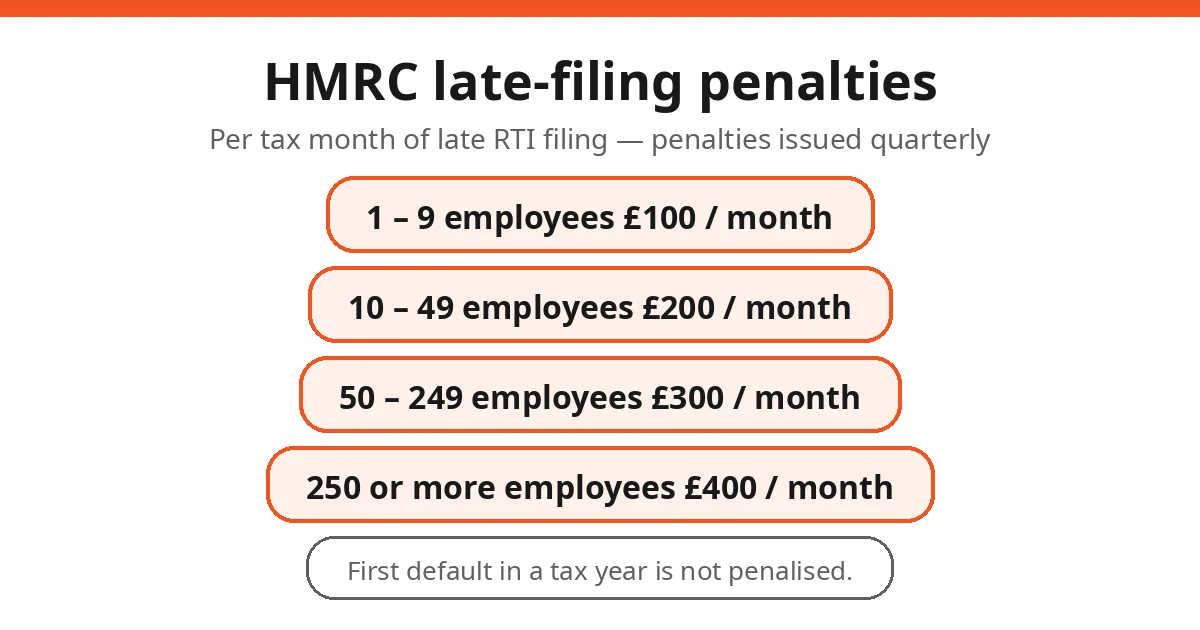
- Late-filing penalties. HMRC charges per tax month of late filing, issued quarterly. The first default in a tax year is not penalised — after that:
| Employees | Monthly penalty |
|---|---|
| 1 to 9 | £100 |
| 10 to 49 | £200 |
| 50 to 249 | £300 |
| 250 or more | £400 |
(Source: HMRC compliance and debt-management manuals, gov.uk.)
These figures are why “the software handles it” is not a defence. AI can prepare the submission perfectly and still not press send on time — or submit on time with wrong data. The penalty notice arrives addressed to you. If you’re comparing this with other finance automation, our guide to automating invoicing with AI makes the same point about who carries the risk.
Honest limits
Let’s be straight about what AI in payroll cannot do:
1. It can’t take responsibility. HMRC holds the employer liable for every figure filed. An AI vendor’s terms will say the same.
2. It can’t handle edge cases well. Directors’ payroll, salary sacrifice schemes, benefits in kind, termination payments, share options — these need judgment and often an accountant. AI trained on standard pay runs will process them confidently and wrongly.
3. It can’t fix bad data. If the hours fed in are wrong, the pay run is wrong. Garbage in, HMRC fine out.
4. It creates a data-protection footprint. Salary, bank and National Insurance data flowing through an AI feature means vendor due diligence: where is data stored, is it used to train models, what’s the breach process? Get the answers in writing before you migrate.
5. It can’t replace the human conversation. Employees ask payroll questions because pay is personal. Software answers “what”; only a person can answer “why is mine less than last month?” with the reassurance it needs.
A sensible way to start
If you’re running payroll on spreadsheets or an old desktop package:
1. Check HMRC’s recognised software list on gov.uk first. Recognition means the software can submit RTI/PAYE correctly — it’s the one filter that matters most.
2. Start with the anomaly detection. Even if you change nothing else, a tool that flags odd figures before payday is worth the move.
3. Run parallel for one pay period. Run your old method alongside the new software for a month. If the numbers match, you can trust the switch.
4. Keep your accountant in the loop. Tell them what you’re changing before year-end, not after. They’ll spot the P11D and year-end implications you won’t.
AI in payroll is not about removing humans from the process — it’s about removing the 2 a.m. spreadsheet checking. The businesses that get the most from it are the ones that let the software do the checking and keep a person doing the deciding. That’s a good trade for any small firm.
FAQs
Can AI run my payroll on its own?
No. AI payroll tools can calculate pay, generate payslips and even prepare HMRC submissions, but UK law makes the employer responsible for everything filed. HMRC’s RTI regime requires a Full Payment Submission on or before payday, and late-filing penalties (£100–£400 per month depending on headcount) land on the employer, not the software.
Is AI payroll software accepted by HMRC?
HMRC keeps an official list of recognised payroll software — free and paid — that can submit RTI/PAYE correctly. HMRC explicitly says it cannot recommend one product over another, so check the current list on gov.uk before committing.
What does AI actually do in payroll?
The useful bits are anomaly detection (flagging pay that looks wrong before it goes out), auto-filling starter/leaver forms, calculating statutory pay like SSP and SMP, generating payslips, and preparing the RTI Full Payment Submission for HMRC.
Can AI replace my payroll person or accountant?
For a micro-business with straightforward monthly pay, AI-assisted software can handle most of the run. Anything unusual — directors’ payroll, salary sacrifice, share schemes, redundancy payments, benefits in kind — still needs a human who understands tax. AI flags; humans decide.
What are the data protection risks of AI in payroll?
Payroll data is some of the most sensitive personal data a business holds — salaries, bank details, National Insurance numbers. Under UK GDPR you need a lawful basis, a data processing agreement with any AI payroll vendor, and clarity on where the data is stored and whether it is used to train models. See our GDPR guide for UK small businesses.
How much does AI payroll software cost for a small business?
Free options exist: HMRC’s own Basic PAYE Tools covers under-10-employee firms, and several vendors offer free tiers for very small teams. Paid AI-featured payroll typically runs from a few pounds to tens of pounds per employee per month. The real comparison is against the cost of a payroll mistake — HMRC’s £100 monthly late-filing penalty for a 1–9 employee firm.